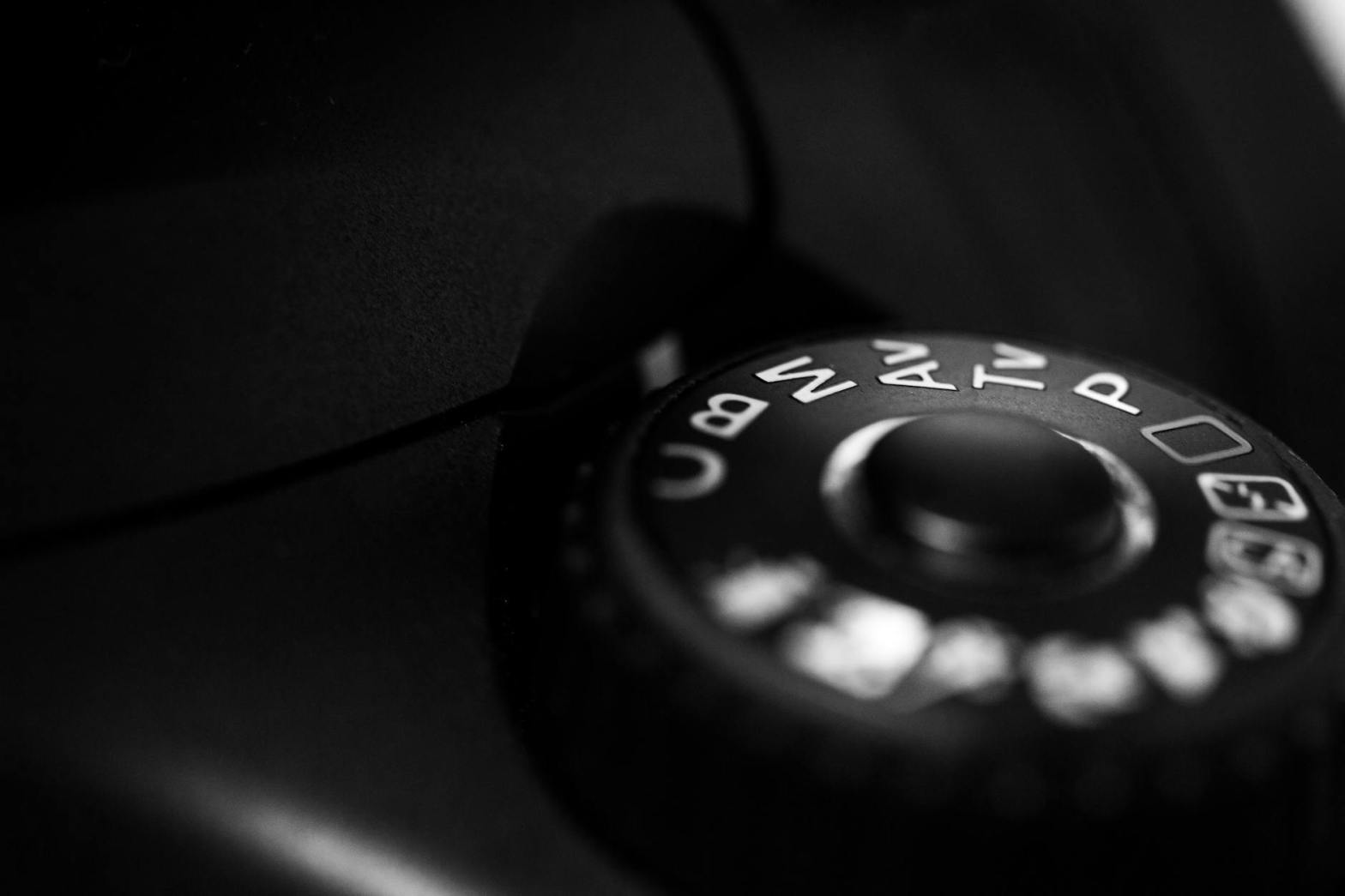
Photography is as much a technical skill as it is an art form, and mastering your camera settings is a critical step in achieving creative control over your images. At the heart of this control lies Manual Mode, a feature that empowers photographers to make deliberate decisions about exposure, focus, and artistic expression. In this chapter, we will delve into the intricacies of Manual Mode, equipping you with the knowledge and confidence to harness its full potential.
What is Manual Mode?
Manual Mode is a camera setting that places all exposure decisions—aperture, shutter speed, and ISO—into the hands of the photographer. Unlike Auto Mode, where the camera calculates these settings, Manual Mode allows you to override automatic functions and tailor your images according to your vision.
The Core Elements of Manual Mode
1. Aperture
Aperture refers to the opening in the lens that allows light to pass through to the camera sensor. Measured in f-stops, aperture not only controls the amount of light entering the camera but also determines the depth of field.
Key Considerations:
- Wide Aperture (Low f-number, e.g., f/1.8): Allows more light in, resulting in a shallow depth of field (blurry background). Ideal for portraits and low-light scenarios.
- Narrow Aperture (High f-number, e.g., f/16): Allows less light, resulting in a greater depth of field (sharp from foreground to background). Perfect for landscapes and architectural photography.
Practical Exercise: Experiment with different aperture settings in Manual Mode. Capture the same subject with varying f-stops to observe how the background blur changes.
2. Shutter Speed
Shutter speed controls the length of time the camera’s sensor is exposed to light. Measured in fractions of a second (e.g., 1/250), it determines motion blur or freezing action in your photos.
Key Considerations:
- Fast Shutter Speed (e.g., 1/1000): Freezes motion, ideal for action shots like sports or wildlife.
- Slow Shutter Speed (e.g., 1/10): Captures motion blur, suitable for creative effects like light trails or flowing water.
Practical Exercise: Use a tripod and capture a waterfall at various shutter speeds to see how the movement of water changes from frozen to silky smooth.
3. ISO
ISO measures the camera sensor’s sensitivity to light. A lower ISO (e.g., 100) produces less noise and is ideal for bright conditions. A higher ISO (e.g., 3200) increases sensitivity, useful in low-light situations but at the cost of added noise.
Key Considerations:
- Low ISO: Provides cleaner images with minimal grain but requires more light.
- High ISO: Enables shooting in dim environments but introduces noise.
Practical Exercise: Take a series of photos in dim lighting, gradually increasing the ISO to understand how it affects image quality.
How the Exposure Triangle Comes into Play
Manual Mode is the playground of the Exposure Triangle: the interplay of aperture, shutter speed, and ISO. Adjusting one component necessitates compensatory changes in the others to maintain proper exposure.
Example Scenario:
- If you widen the aperture (e.g., f/2.8) to let in more light, you might need to use a faster shutter speed to prevent overexposure.
- Conversely, if you’re shooting in low light with a narrow aperture (e.g., f/11), you can increase ISO or slow the shutter speed to achieve proper exposure.
Practical Exercise: Choose a static subject and take three shots:
- Balanced exposure using default settings.
- Adjust one element (e.g., widen aperture) and compensate by changing another (e.g., increase shutter speed).
- Overexpose and underexpose intentionally to observe the effects.
Why Manual Mode Matters
Creative Freedom
Manual Mode liberates you from the constraints of pre-determined settings, enabling you to:
- Control depth of field for artistic effects.
- Manipulate motion blur to add drama.
- Choose exposure levels for high-contrast or low-key shots.
Consistency
In challenging lighting conditions, Manual Mode provides consistent results that Auto Mode may struggle to achieve, such as:
- Backlit scenes.
- Studio lighting setups.
- Low-light environments.
Skill Development
Using Manual Mode enhances your understanding of photography fundamentals. Over time, you’ll develop an intuitive sense for exposure settings, making adjustments on the fly.
Tips for Success in Manual Mode
Start with the Basics
Begin by mastering each component of the Exposure Triangle individually. Gradually experiment with combining them.
Use the Light Meter
Your camera’s built-in light meter is a valuable tool for gauging exposure. In Manual Mode, it provides feedback on whether your image is underexposed, overexposed, or correctly exposed.
Practical Tip: Aim for a balanced meter reading, but don’t be afraid to override it for creative reasons.
Shoot in RAW Format
RAW files retain more image data, allowing greater flexibility in post-processing. This is particularly useful if your manual settings aren’t perfect.
Practice in Controlled Environments
Experimenting indoors or in stable lighting conditions helps you focus on settings without external distractions.
Analyze Your Photos
Review your images on a larger screen to identify patterns in your settings. Use metadata to learn from your successes and mistakes.
Overcoming Common Challenges
Balancing Exposure
Achieving the perfect balance can be tricky. Bracketing—taking multiple shots at slightly different exposures—helps you determine the best settings.
Dealing with Low Light
Use a tripod and slower shutter speed to avoid noise from high ISO settings. Add external lighting or reflectors when necessary.
Managing Motion Blur
Stabilize your camera with a tripod or increase shutter speed to eliminate unwanted blur. For intentional blur, pan with the subject to create a sense of motion.
Manual Mode for Different Scenarios
Portraits
- Wide aperture for blurred backgrounds.
- Low ISO for cleaner images.
- Adjust shutter speed to avoid camera shake.
Landscapes
- Narrow aperture for greater depth of field.
- Use a tripod and slower shutter speed for sharp details.
- Low ISO for minimal noise.
Action and Sports
- Fast shutter speed to freeze motion.
- Moderate ISO for flexibility in changing light.
- Adjust aperture to balance depth of field and exposure.
Night Photography
- High ISO to capture light without flash.
- Slow shutter speed with a tripod.
- Manual focus for precise control.
Conclusion
Mastering Manual Mode transforms you from a passive observer into an active creator. By taking control of aperture, shutter speed, and ISO, you’ll unlock a world of creative possibilities and develop a deeper connection to your craft. Practice is key—start small, experiment boldly, and watch your photography evolve.

 Learning Digital Photography